
AE/C4D教程-三维科幻空间循环场景动画 Skillshare – Create a Sci-Fi Space Loop in Cinema 4D and After Effects
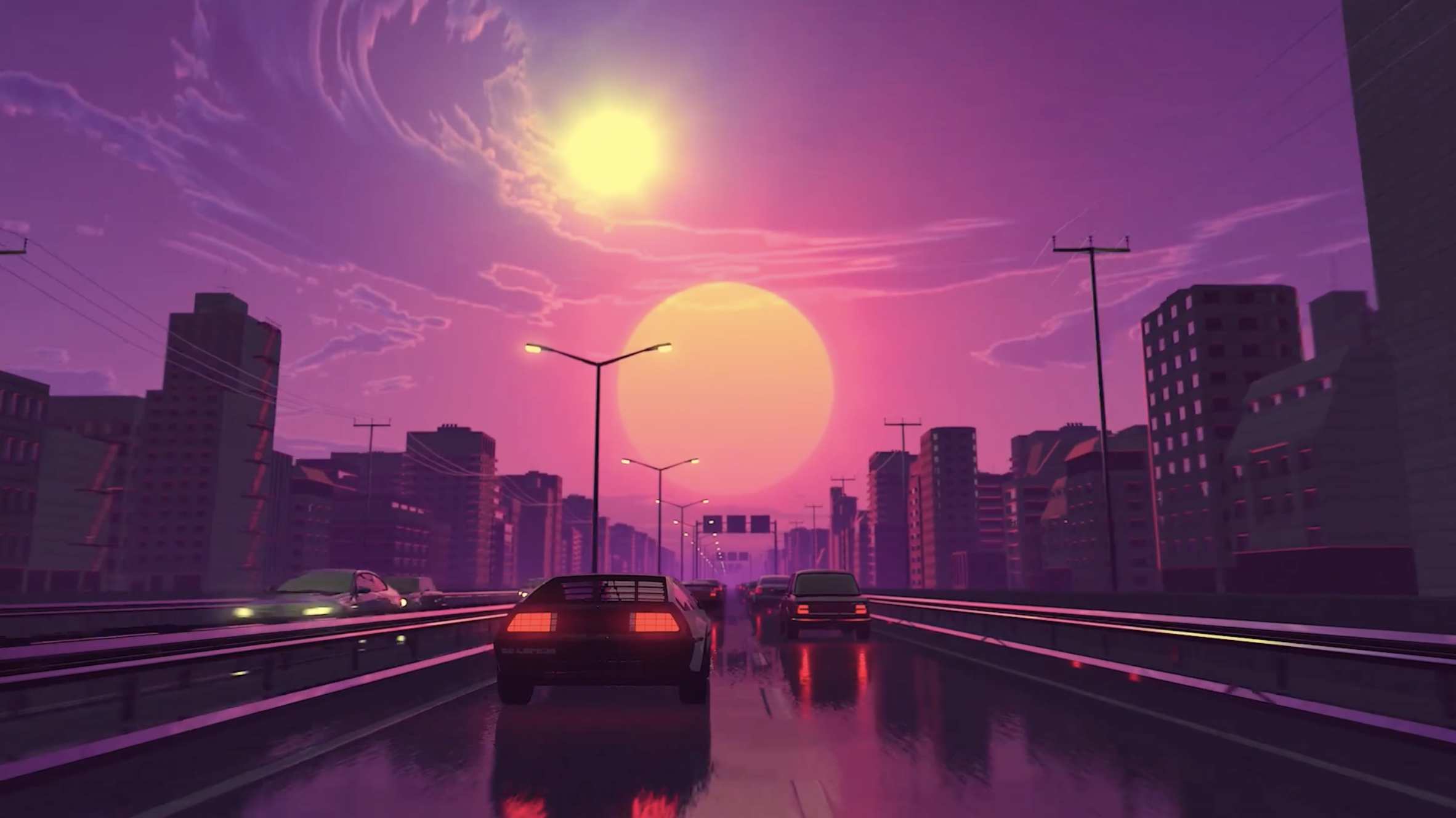
【教程简介】
无论你是想入门影视级科幻动画制作,还是希望提升运动图形项目的技术储备,这门《在 Cinema 4D 与 After Effects 中制作科幻空间循环动画》课程都能为你提供系统且实用的指导。课程将聚焦 “电影感科幻空间循环动画” 这一核心目标,通过全流程实操教学,带你掌握跨软件协作的关键技能,同时解锁可迁移至各类运动图形项目的工具与思路。

一、核心技能学习清单
本课程将围绕 “从资产创建到最终输出” 的完整流程,拆解 10 大核心技能,覆盖角色动画、场景搭建、渲染设置、后期合成等关键环节:
* 角色动画高效实现:运用 Adobe Fuse(角色创建)与 Mixamo(动作捕捉)两大免费工具,快速完成角色建模与动画绑定,无需复杂手动关键帧操作;
* 动画循环扩展技巧:掌握 Cinema 4D 内置动画工具(如时间重映射、循环关键帧),将短动画片段扩展为无断点的长时循环效果;
* 大型科幻场景搭建:学习使用 Cinema 4D 的克隆、阵列、样条约束等工具,高效构建具有未来感的大型空间结构(如星际空间站、科幻建筑群);
* 无缝循环逻辑解析:理解 “循环点衔接” 的核心原理,通过场景元素(如粒子流动、灯光闪烁)的运动设计,实现视觉上无间隙的循环动画;
* 反射式戏剧化照明:不依赖传统灯光系统,仅通过 Cinema 4D 的材质反射属性(如金属反射、环境贴图),打造具有电影感的明暗对比与光影层次;
* 大气与雾气效果营造:利用 Cinema 4D 的体积雾、环境雾工具,模拟太空或科幻场景中的大气透视、光线散射效果,增强画面纵深感;
* 专业渲染设置优化:详解 Cinema 4D 的输出参数(如分辨率、帧率、抗锯齿),以及 “多次通过”(Multi Passes)功能的使用,为后期合成保留更多调整空间(如单独调整高光、阴影、反射层);
* 跨软件序列导入:学习将 Cinema 4D 渲染的序列帧(如 PNG 序列、EXR 序列)无损导入 After Effects 的方法,确保动画帧速率与色彩一致性;
* After Effects 后期修饰:通过 AE 的蒙版、跟踪、特效(如光晕、粒子插件),为动画添加细节质感(如飞船引擎光效、太空尘埃粒子),提升画面精致度;
* 平台化导出参数配置:针对 Instagram(竖屏、短时长)与 Youtube(横屏、高清)两大主流平台的播放特性,讲解 Premier Pro 的最佳导出设置(如编码格式、比特率、分辨率适配),避免画质压缩损失。
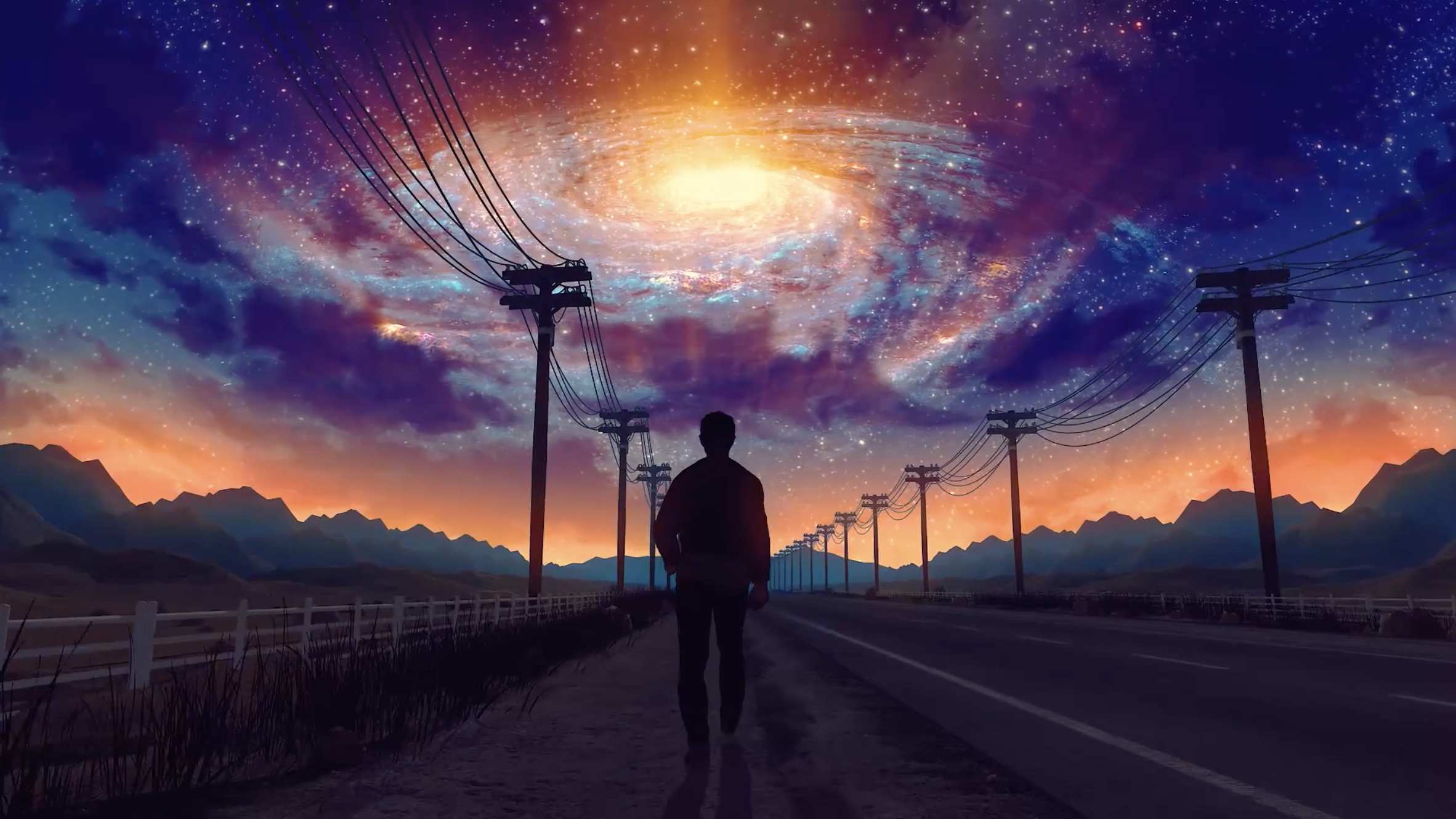
二、适合人群与学习收获
本课程采用 “阶梯式教学” 设计,无软件基础的初学者与有经验的进阶用户均可获得匹配的学习价值:
* 初学者友好:课程从软件基础操作(如界面导航、工具调用)讲起,每个技术点均搭配实操演示,即使从未接触过 Cinema 4D、After Effects,也能跟随步骤完成案例制作;
* 中高级用户进阶:针对已有软件基础的用户,课程将深入讲解 “循环动画逻辑”“反射照明原理”“多次通过渲染” 等进阶知识点,帮助拓展科幻场景制作的思路,解决实际项目中 “循环衔接不自然”“渲染效率低” 等常见问题;
* 通用能力迁移:课程教授的工具技巧(如 Mixamo 角色动画、Cinema 4D 克隆工具、AE 后期合成逻辑)不仅适用于科幻主题,还可直接迁移至 MG 动画、产品演示、影视片头等各类运动图形项目,提升创作通用性。
三、学习支持与资源
若在学习过程中遇到技术疑问,可通过 Skillshare 课程的 “社区讨论区” 提交问题,讲师将尽快提供针对性解答,助力你顺利完成学习与创作实践。
课程链接:https://www.skillshare.com/classes/Create-a-Sci-Fi-Space-Loop-in-Cinema-4D-and-After-Effects/817335273

In this class
Whether you’re looking to get started in cinematic sci-fi animation production or want to enhance your technical skills for motion graphics projects, this course – Create a Sci-Fi Space Loop in Cinema 4D and After Effects – offers systematic and practical guidance. Focused on the core goal of “crafting a cinematic sci-fi space loop animation”, it takes you through the key skills of cross-software collaboration via full-process hands-on teaching, while unlocking tools and insights that can be applied to a wide range of motion graphics projects.
1. Core Skills Learning List
Centered on the complete workflow from “asset creation to final output”, this course breaks down 10 core skills, covering key stages such as character animation, scene building, rendering settings, and post-production compositing:
* Efficient Character Animation Implementation: Use two free tools – Adobe Fuse (for character creation) and Mixamo (for motion capture) – to quickly complete character modeling and animation rigging, without the need for complex manual keyframing.
* Animation Loop Extension Techniques: Master Cinema 4D’s built-in animation tools (e.g., time remapping, loop keyframes) to extend short animation clips into long, seamless loop effects.
* Large-Scale Sci-Fi Scene Construction: Learn to use Cinema 4D’s cloning, array, and spline constraint tools to efficiently build futuristic large-scale spatial structures (such as space stations and sci-fi buildings).
* Seamless Loop Logic Analysis: Understand the core principle of “loop point connection” and design the movement of scene elements (e.g., particle flow, light flicker) to create visually gapless loop animations.
* Reflective Dramatic Lighting: Create cinematic light-dark contrast and lighting layers using only Cinema 4D’s material reflection properties (e.g., metal reflection, environment maps), without relying on traditional lighting systems.
* Atmospheric and Fog Effect Creation: Use Cinema 4D’s volume fog and environment fog tools to simulate atmospheric perspective and light scattering effects in space or sci-fi scenes, enhancing the sense of depth in the frame.
* Professional Rendering Settings Optimization: Detailed explanation of Cinema 4D’s output parameters (e.g., resolution, frame rate, anti-aliasing) and the use of the “Multi Passes” feature, which preserves more adjustment space for post-production (e.g., adjusting highlight, shadow, and reflection layers independently).
* Cross-Software Sequence Import: Learn how to import Cinema 4D-rendered image sequences (e.g., PNG sequences, EXR sequences) into After Effects without quality loss, ensuring consistent animation frame rate and color.
* After Effects Post-Production Retouching: Use AE’s masks, tracking, and effects (e.g., glow, particle plugins) to add detailed textures to the animation (such as spaceship engine light effects and space dust particles), improving the refinement of the frame.
* Platform-Specific Export Parameter Configuration: Based on the playback characteristics of two major mainstream platforms – Instagram (vertical screen, short duration) and Youtube (horizontal screen, high definition) – explain the best export settings in Premier Pro (e.g., encoding format, bitrate, resolution adaptation) to avoid quality compression loss.
2. Target Audience & Learning Outcomes
Designed with a “step-by-step teaching” approach, this course delivers tailored value to both beginners with no software experience and experienced advanced users:
* Beginner-Friendly: Starting with basic software operations (e.g., interface navigation, tool activation), each technical point is accompanied by hands-on demonstrations. Even if you’ve never used Cinema 4D or After Effects before, you can follow the steps to complete the case production.
* Advanced Learning for Intermediate & Advanced Users: For users with existing software experience, the course delves into advanced knowledge points such as “loop animation logic”, “reflective lighting principles”, and “multi-pass rendering”, helping to expand ideas for sci-fi scene creation and solve common problems in real projects (e.g., unnatural loop connections, low rendering efficiency).
* Transferable General Abilities: The tools and techniques taught in the course (e.g., Mixamo character animation, Cinema 4D cloning tools, AE post-compositing logic) are not only suitable for sci-fi themes but can also be directly applied to various motion graphics projects such as MG animations, product demonstrations, and film titles, enhancing the versatility of your creations.
3. Learning Support & Resources
If you encounter technical questions during the learning process, you can submit your queries via the “Community Discussion Section” of the Skillshare course. The instructor will provide targeted answers as soon as possible to help you successfully complete your learning and creative practice.
Course Link: https://www.skillshare.com/classes/Create-a-Sci-Fi-Space-Loop-in-Cinema-4D-and-After-Effects/817335273
编号:Skillshare – Create a Sci-Fi Space Loop in Cinema 4D and After Effects


CGSOP-全面收集影视资源!
欢迎加入QQ交流群:
2群:299950416
3群:457190933


评论(0)