
instantDrag for Maya脚本
预览图片:
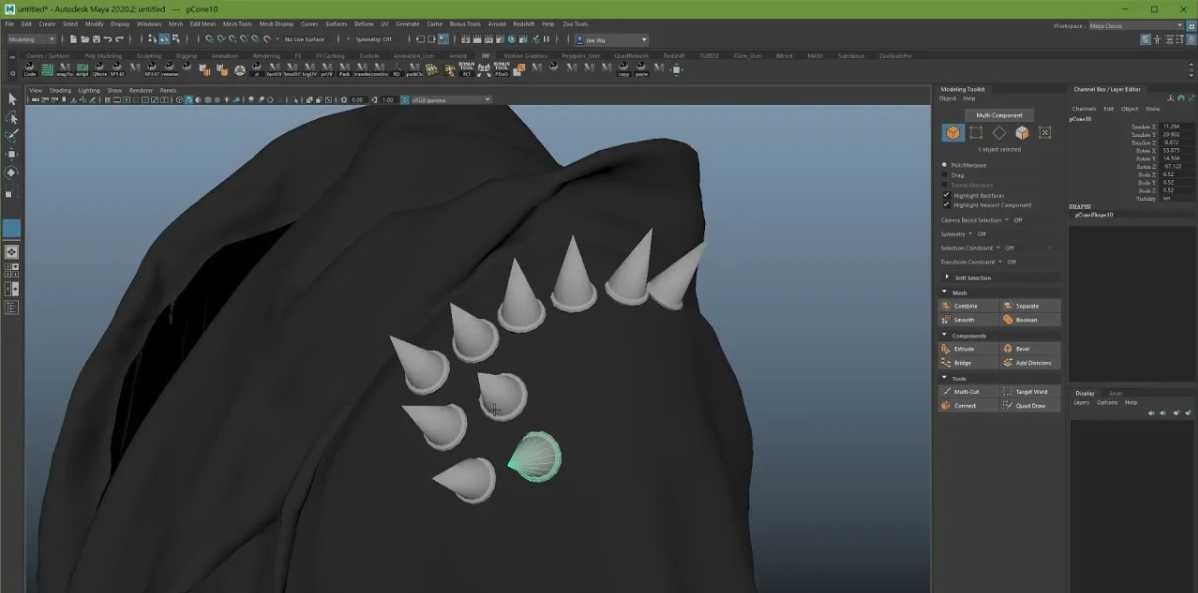
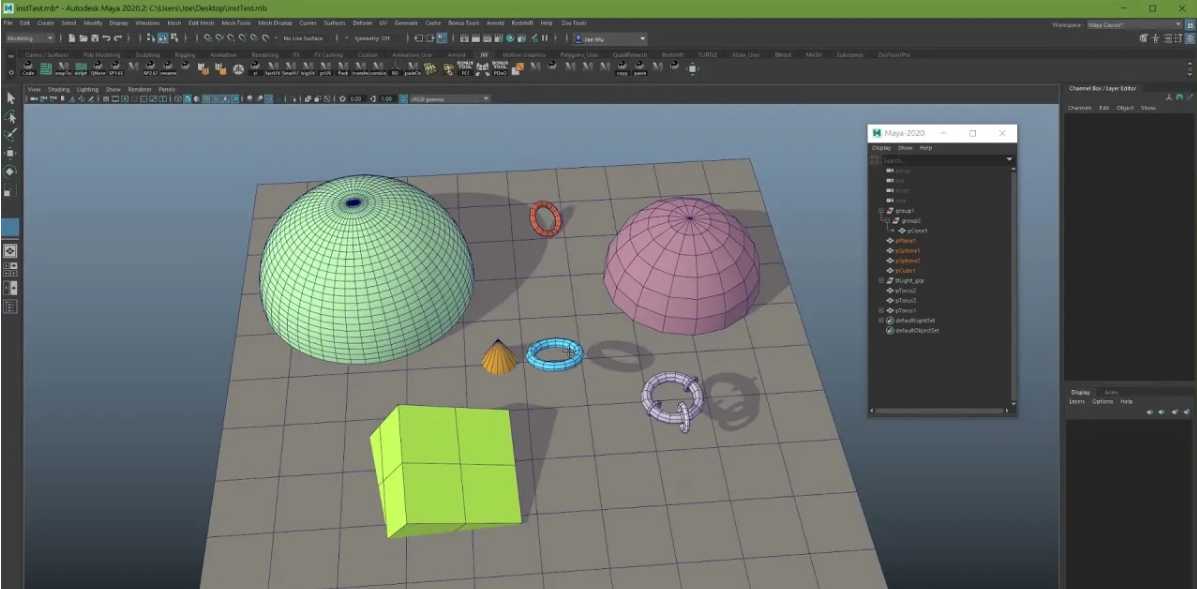
只需单击 Maya 中的命令按钮一次,即可在移动模型时沿目标模型移动
InstantDrag allow user to simply click and drag mesh on another surface.
It can work in any situation. no mesh pre-select is required, once the tool is activated, just simply click and drag on any mesh which is on top of another surface.
hotKey for quick adjustment:
## hotKey :
## + Ctrl —-> rotate
## + Shift & Ctrl —-> scale
## + Shift —-> duplicate current mesh
## + Alt —-> snap to face center or vertex
## + Alt & Shilt —-> force center pivot and snap mesh to surface
let me know what you think, and happy to hear any suggestions to make the tool simple but more functional.
version Note
1.03 reMap hotkey so it’s easier to use
1.02 add instant duplicate
1.01 fix bug when there is no mesh underneath at initial click
1.0 First version for public test


CGSOP-全面收集影视资源!
欢迎加入QQ交流群:
2群:299950416
3群:457190933